
Camera Systems: IP Security Cameras and NVR Recording
IP cameras that see in the dark, NVR recording and live viewing from your phone. One point of contact from site survey to commissioning, and from software to periodic maintenance.
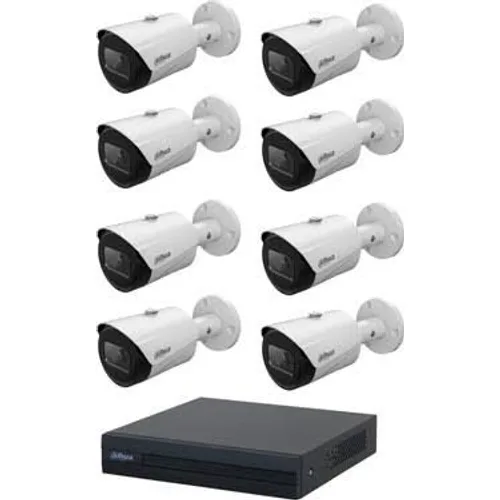
Camera Systems
Night-vision IP cameras, NVR recording and mobile viewing.
Details and site survey request →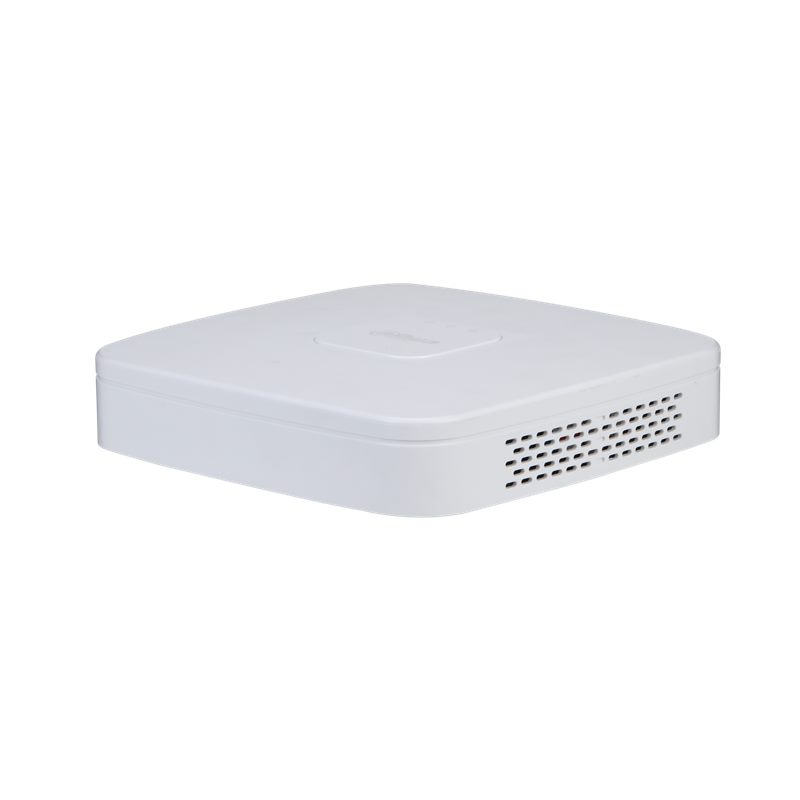
Recorders (NVR / XVR)
NVR and hybrid XVR recorders that store camera footage securely and make it quick to search.
Details and site survey request →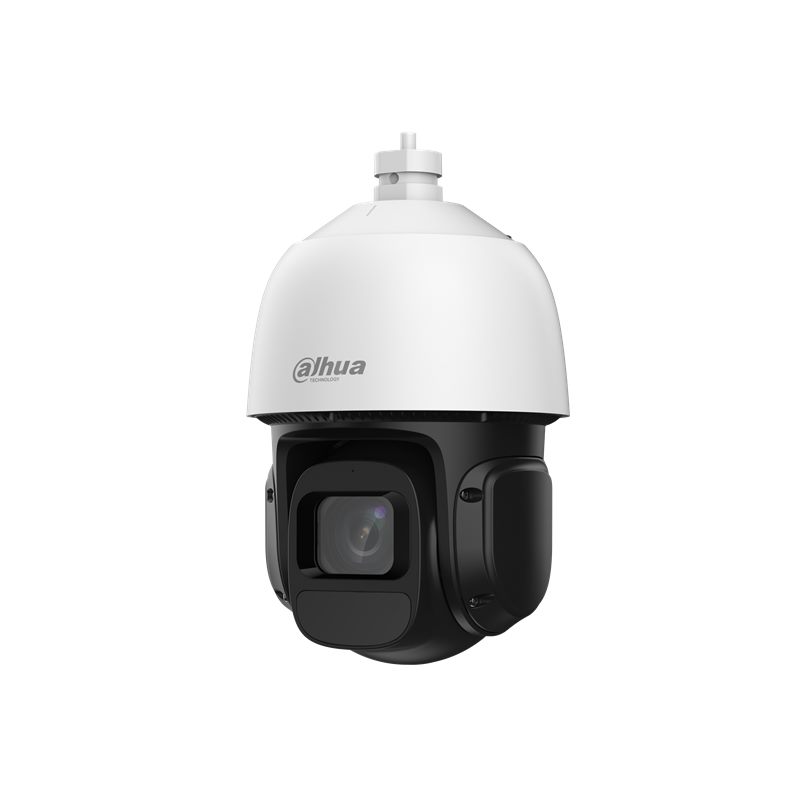
PTZ / Speed Dome Cameras
Rotating cameras that monitor large areas with software-controlled moving lenses and analytic tracking.
Details and site survey request →What Do Security Camera Systems Include?
A camera system is more than just cameras; together with the recorder, storage, cabling and monitoring software, it forms an integrated security solution that watches and records an area around the clock. Well-designed security camera systems deter theft and vandalism, let you look back when an incident occurs and, thanks to remote monitoring, save business owners time. Today these systems are an indispensable part of the infrastructure in residential complexes, production facilities, warehouses, shops, offices, schools and car parks.
In the sections below we compare camera technologies and camera types side by side to help you choose the setup that best fits your needs.
The Infrastructure Decision: IP or Analog HD?
Camera systems can be divided into two main groups based on their recording infrastructure. IP cameras carry the image digitally over the network to an NVR recorder; they offer high resolution, power over a single cable via PoE and smart analytics. Analog HD cameras connect to a DVR recorder over coaxial cable; they may be considered for small-scale projects where keeping the existing analog infrastructure matters. For new installations, the choice usually falls on an IP system. For an in-depth look at the topic, see our network camera page.
| Feature | IP camera + NVR | Analog HD camera + DVR |
|---|---|---|
| Image quality | High-resolution options depending on the model | Varies by model, generally more limited |
| Cabling | Network cable; power and data over one cable with PoE | Coaxial cable and usually a separate power line |
| Expansion | Easy over the network | Limited by the recorder's channel count |
| Smart analytics | On-camera, depending on the model | More limited |
| Best suited for | New installations, large and multi-building sites | Upgrading existing analog infrastructure |
Cameras by Housing and View Type
- Dome camera: Mounted on the ceiling, these dome-shaped cameras work discreetly indoors. They are widely used in offices, shops and corridors.
- Bullet camera: With its cylindrical housing, it is mostly used on building exteriors, in gardens and for perimeter security. Its visibility adds to its deterrent effect.
- PTZ (pan-tilt-zoom) camera: Can be rotated and zoomed remotely; preferred for live monitoring by an operator in large areas such as car parks or factory yards.
- Fisheye camera: Covers a very wide angle with a single device; well suited for overview images in shops and halls.
- License plate recognition camera: Specially adjusted to capture number plates at vehicle entrances and exits; see our plate recognition solution page for details.
Camera Placement by Site
In residential complexes, priority goes to entrance gates, car park ramps, lift lobbies and children's play areas. In production facilities and warehouses, loading docks, stock yards, perimeter walls and vehicle entrances come first; in large open areas, PTZ cameras fill the gaps. In shops, the checkout, doors and aisles are monitored, while in offices the main entrance, archive and server room are covered. In car parks, license plate recognition cameras can be added to the entry and exit lanes alongside overview cameras. Whatever the site, cameras must be positioned to cover each other's blind spots, and the recorder must be kept where unauthorised people cannot reach it.
Key Points When Choosing a Camera System
- Objective: Define what you need to see at each point: general movement, a face or a vehicle's number plate?
- Points to cover: List the important locations one by one, such as entrances and exits, checkouts, warehouse doors, the car park and the perimeter wall.
- Night vision: In poorly lit areas, infrared range and low-light image quality are decisive.
- Environmental resistance: Check the dust and water protection of outdoor cameras and the temperature range they can withstand.
- Retention period: How many days of footage you want to keep directly determines the disk capacity.
- Remote access: Viewing from your phone requires an internet connection with sufficient upload speed and secure access settings.
How Are Camera System Prices Determined?
- Number, type and resolution of cameras
- Indoor or outdoor models and night vision
- Channel capacity and disk size of the recorder
- Cable lengths, trunking and conduit work, and any need to work at height
- Special requirements such as smart analytics, plate recognition or PTZ
- Whether existing infrastructure can be reused
The price of a single security camera can give you a rough idea, but a meaningful comparison can only be made on the system as a whole. After the site survey, we provide an itemised quotation.
Installation Steps
- During the free site survey, camera locations, viewing angles and cable routes are determined.
- Camera models, the recorder and disk size are finalised.
- Cables are run; the cameras and recorder are mounted in place.
- Angles, recording schedule, motion detection and user permissions are configured.
- The mobile app is installed and users are shown how to use the system.
Viewing Your Cameras from Your Phone
This requires connecting the recorder to the internet, downloading the manufacturer's mobile app to your phone and adding the device to the app with a user account protected by a strong password. We make these settings for you during installation, change the factory default passwords and define separate permissions for each user.
Privacy Notice under KVKK
Since camera recordings contain personal data, it is generally recommended to announce recorded areas with warning signs, prepare a privacy notice and restrict access to the footage. We recommend consulting your legal advisor on whether camera locations and retention periods are appropriate for your business.
Maintenance and Service Support
Cleaning the lenses, checking disk health, installing software updates and regularly verifying that recording continues uninterrupted keep the system reliable. Our service team is here for your repair and maintenance needs. Working from its office at Perpa Ticaret Merkezi in Istanbul, Sensör Software installs camera systems using devices from various manufacturers and ships to all 81 provinces. Request a price quote for your project.
Systems used alongside these
Frequently asked questions about Camera Systems
How many days of recordings are kept?
It depends on disk capacity, the number of cameras and resolution. Typical projects plan for 15 – 30 days of recording.
Can I view the cameras from my phone?
Yes. Both live video and past recordings can be viewed from the mobile app.
What exactly is an IP camera?
It is a security camera that converts video into digital data, transmits it over a computer network and has its own network address. The video reaches the NVR or monitoring software over the network.
Does an IP camera record without an internet connection?
Yes. Thanks to the local network between the cameras and the NVR, recording and on-site viewing continue without internet. Internet is only needed to view from a phone or a remote location.
Request a quote for your project
Send us the number of doors / access points, the number of staff and your address, and we will call you to arrange a site survey and quotation.